
Troubleshooting Connection IssuesUpdated 24 minutes ago
Troubleshooting connection issues
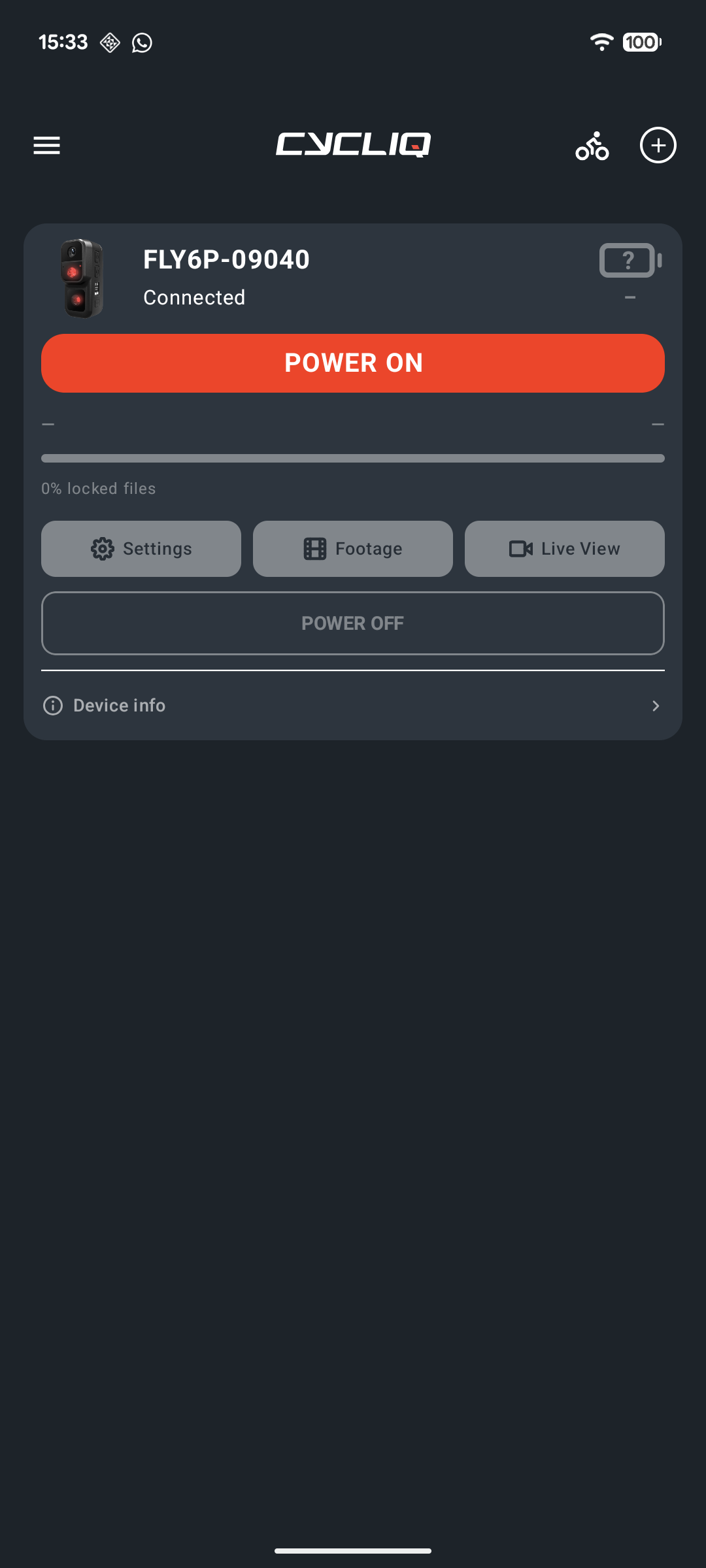
If CycliqPlus can't find or connect to your camera, work through the steps below in order. Most issues are fixed by the first two.
Step 1: Check the basics
- The camera is on. Its Bluetooth only advertises once it is powered up.
- The camera is within a few metres of your phone.
- Bluetooth is on in your phone's settings.
- The camera is not plugged into a computer. A camera that is connected to a computer over USB is sharing its memory card and can't be controlled from the app. Unplug it and try again.
- The camera isn't already connected to another phone or app.
Step 2: Restart the connection
- Turn the camera off, then on again.
- Close CycliqPlus completely, then reopen it.
- Wait up to 30 seconds. The app searches for your camera when it has been a while since the last connection.
- If the camera still doesn't connect automatically, look for it in the list and tap it. It should connect within about 20 seconds.
Step 3: Check the camera's Bluetooth setting (Fly6 Pro)
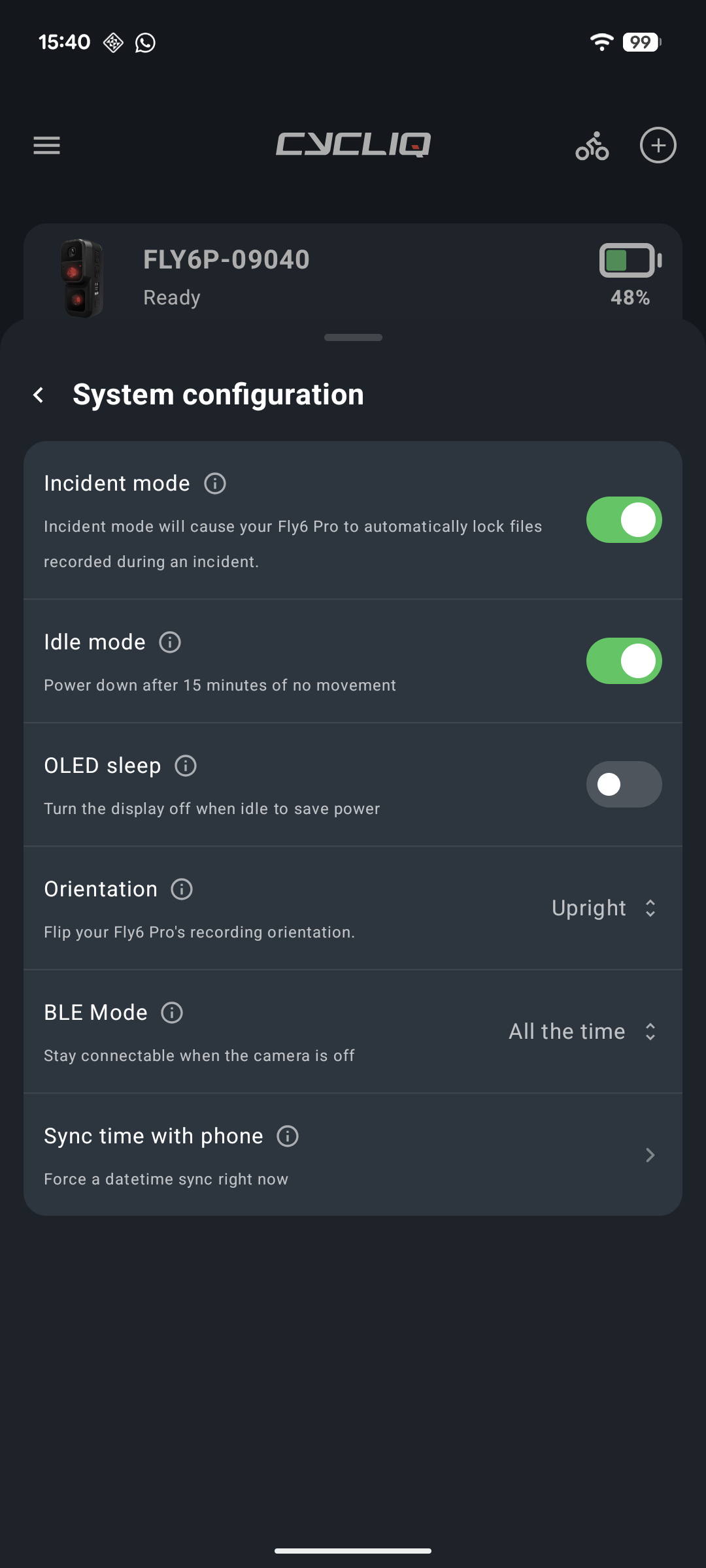
By default, a Fly6 Pro only advertises its Bluetooth after it is powered on. To keep it always available, open the camera's settings in CycliqPlus, then System configuration. Set BLE Mode to All the time. The same option is described as Stay connectable when the camera is off.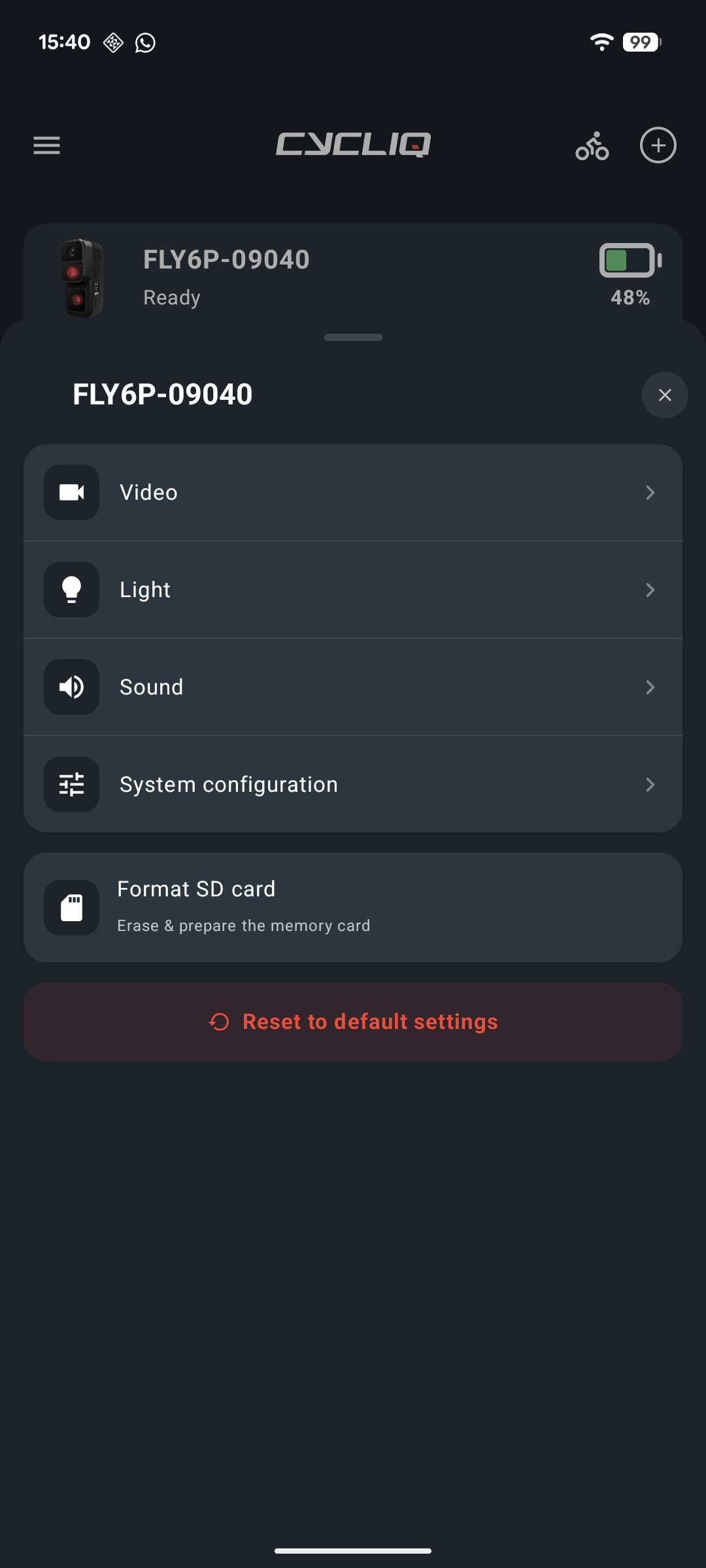
Step 4: Forget and pair again
If the camera still won't connect:
- Open the camera's device card and choose the option to forget it.
- Follow Adding a device to pair it again.
Step 5: Footage or Wi-Fi won't connect
Footage uses the camera's own Wi-Fi network, so the connection has two parts.
- In CycliqPlus, connect the camera over Bluetooth first.
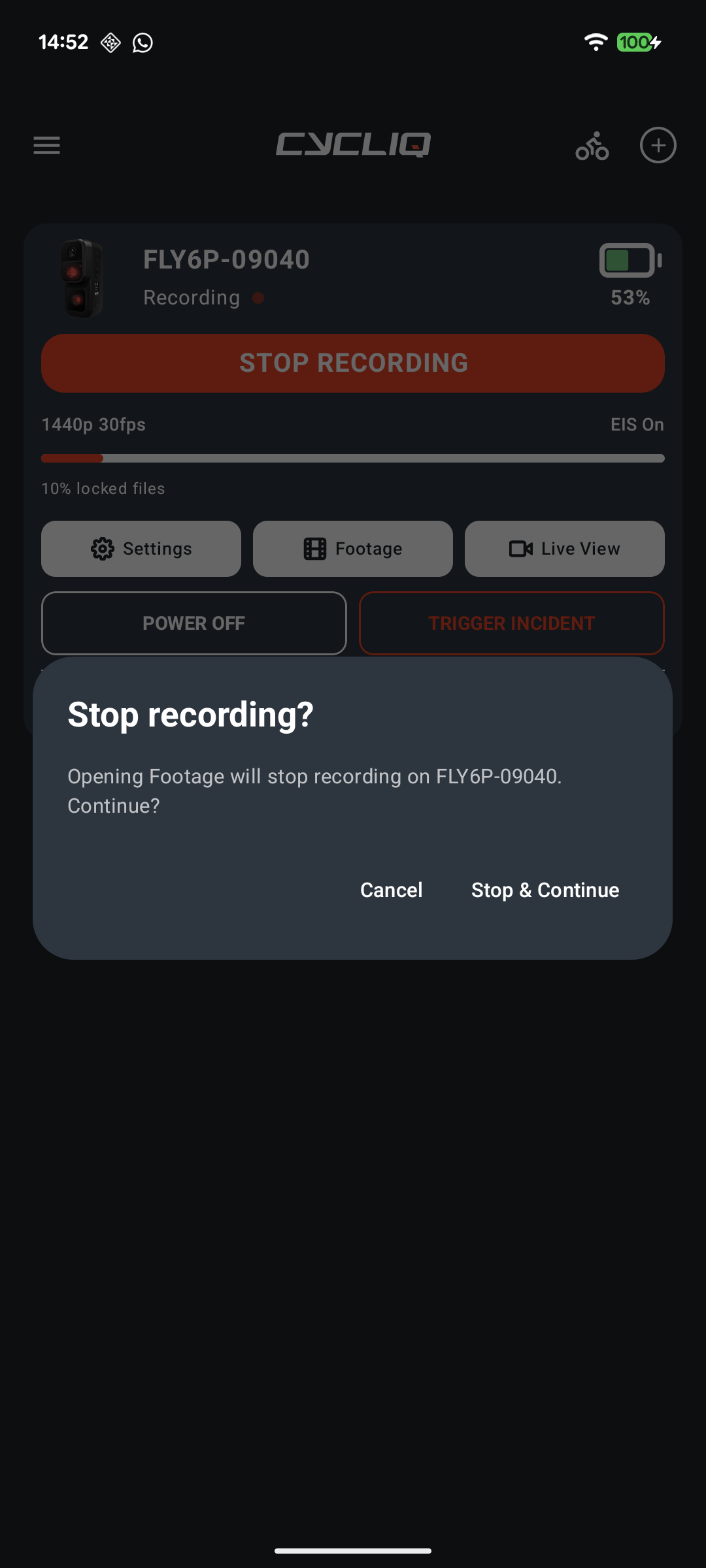
- Tap Footage. The camera's Wi-Fi turns on. Wait about 10 seconds for the camera to signal that it's ready.
- Go to your phone's Settings, then Wi-Fi, and select the camera's network. Wait for the tick that shows you're connected.
- Return to CycliqPlus. After a few seconds, the app connects and opens Footage.
Step 6: Clock or footage matching is off
Every time you connect over Bluetooth or Wi-Fi, the camera's clock is set from your phone. If the camera hasn't been connected for several days its clock can drift, and Strava overlays may not line up with the footage. Connect the camera to the app before each ride.
Still stuck?
Contact Cycliq support and include:
- Your phone model and Android version
- Your camera model (for example, Fly6 Pro)
- What you see on screen, and the step where it stops